Scam Warning - Phishing Emails
Several Blue Ridge students have recently reported seen scam attempts. In these scams, criminals try to trick you into entering your username, password, or multi-factor authentication (MFA) code into a fake website or online form. Some scams claim to be a job offer and request that you enter your personal information into an online form.
To protect yourself:
-
Never enter your password into an online form, survey, or document.
-
Only enter your password on official Blue Ridge, Microsoft, or Google sign-in pages.
-
Never share your password with anyone.
-
Never share MFA or one-time login codes with anyone.
-
Never share personal information in an online form unless you are certain it is legitimate
-
Do not respond to unexpected job offers or applications
If you think you may have entered your password on a suspicious website, shared your password, or received unexpected MFA codes, contact the Blue Ridge Help Desk immediately at 828-694-1895 or helpdesk@blueridge.edu
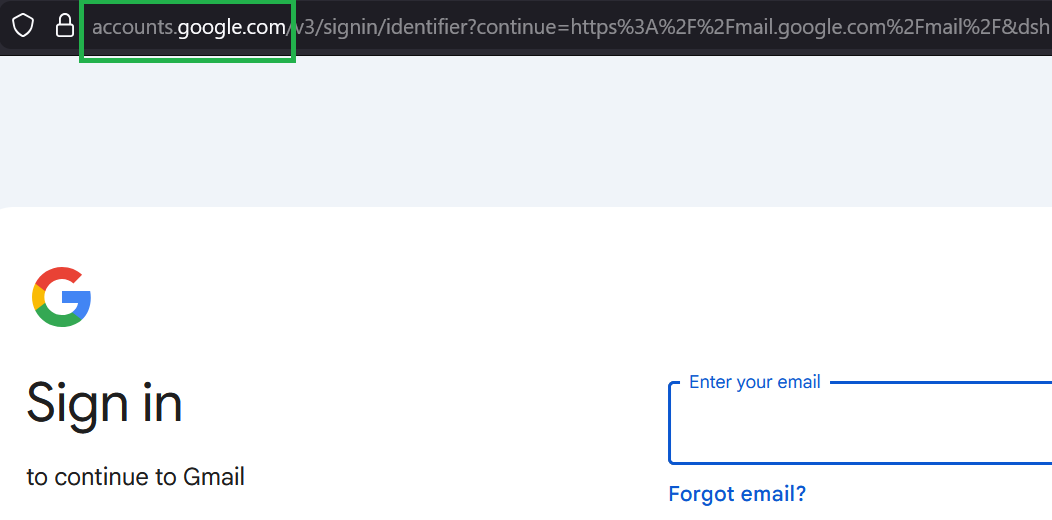
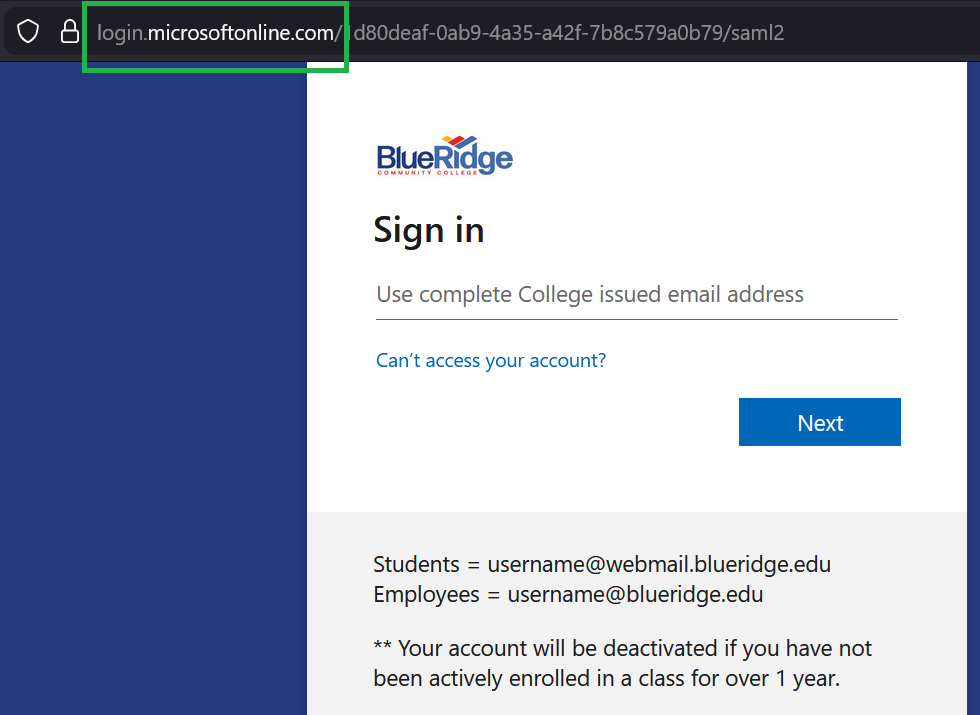
Blue Ridge uses Microsoft and Google for login authentication. You should only enter your Blue Ridge account password on official login pages such as:
Microsoft:
login.microsoftonline.com
myaccount.microsoft.com
login.microsoft.com
Google:
accounts.google.com
login.google.com
Microsoft Login Page:
Google Login Page: